Passet for iPhone
Card, ticket, coupon.
Carry them with you.
Photograph or scan any pass, ticket, card or coupon. Keep them with you: add them to Apple Wallet or share them.
 App StoreComing soon on the App Store
One at a time is free. Together, you pay once.
- Photo or PDF
- Front and back, one pass
- Apple Wallet
Before Passet, they are just a photo.
The pass, the ticket, the card or the coupon already arrives that way. When you need it, you look through your pictures.
You look through your photos
They are already in the camera roll or in a PDF.
Then they are in Wallet
Photograph or scan what you have. Passet prepares the pass and you add it to Apple Wallet.
Or you send it to someone
Share the same pass with whoever needs it, without taking another photo.
Watch it happen
The app is in English. The document can be in any language.
The screens
Each step does one thing.
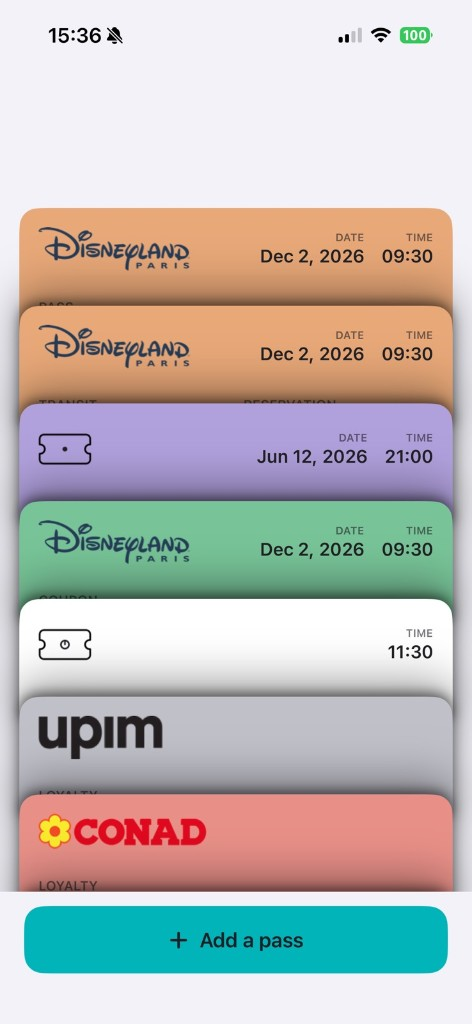
1. Library
Your stack of passes.
They stay here, one on top of the other. Hold the one you need and it fills the screen.
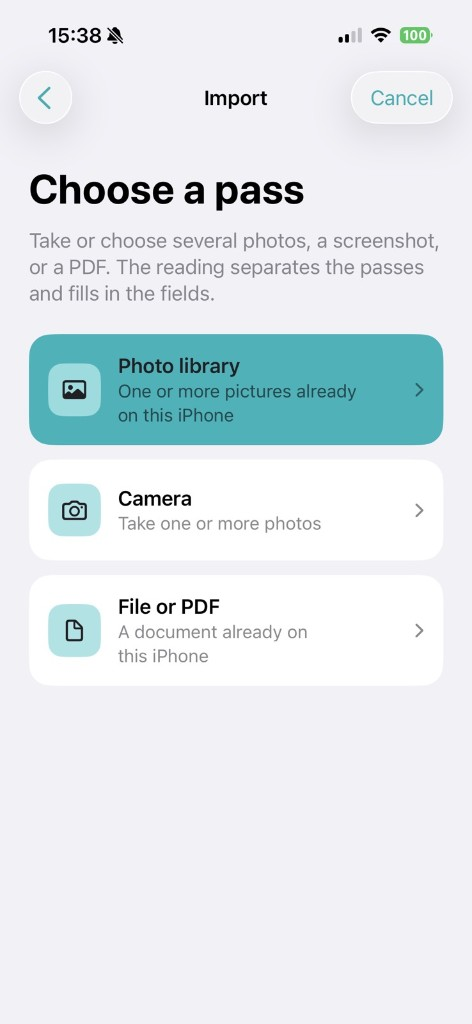
2. Import
Start from what you have.
A photo already in your library, a new shot, or a PDF. The front and the back of the same pass count as one.
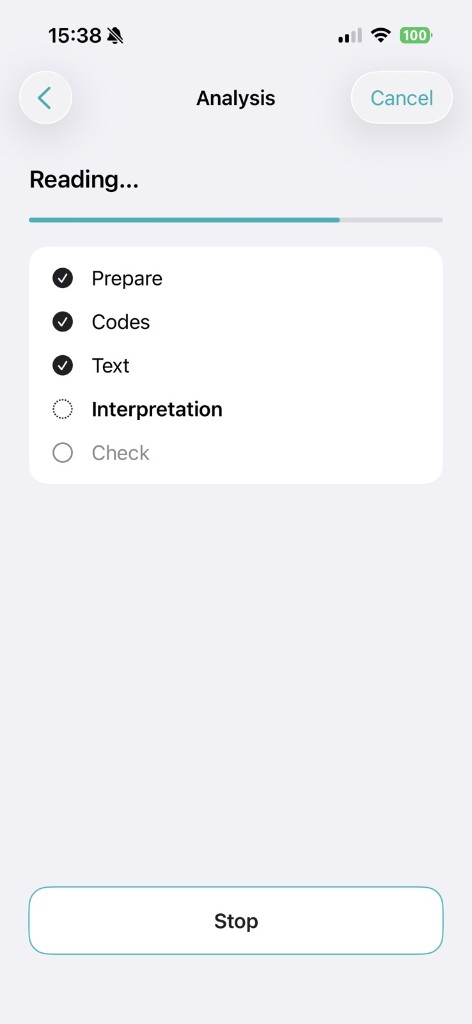
3. Reading
Passet reads the photo.
If there is more than one photo, you see which one it is reading.
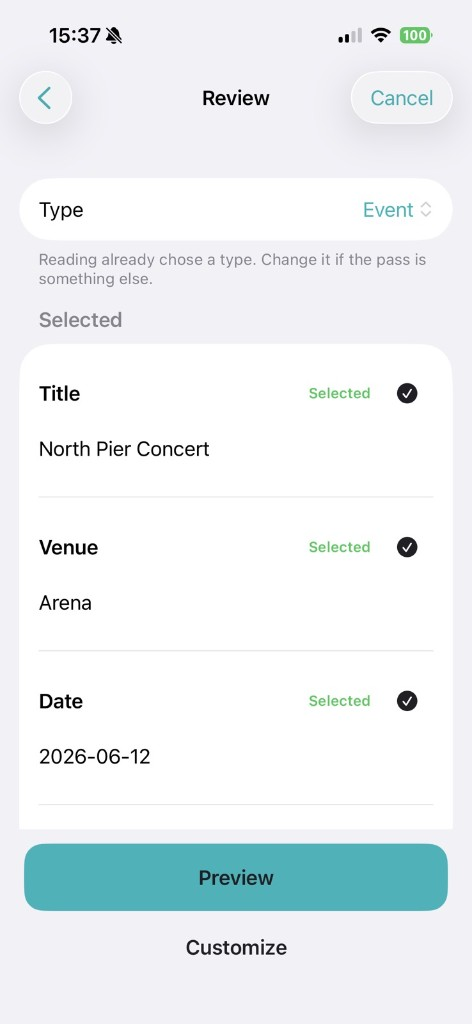
4. Check
Look at the details.
Title, date and code. If something is off, you fix it.
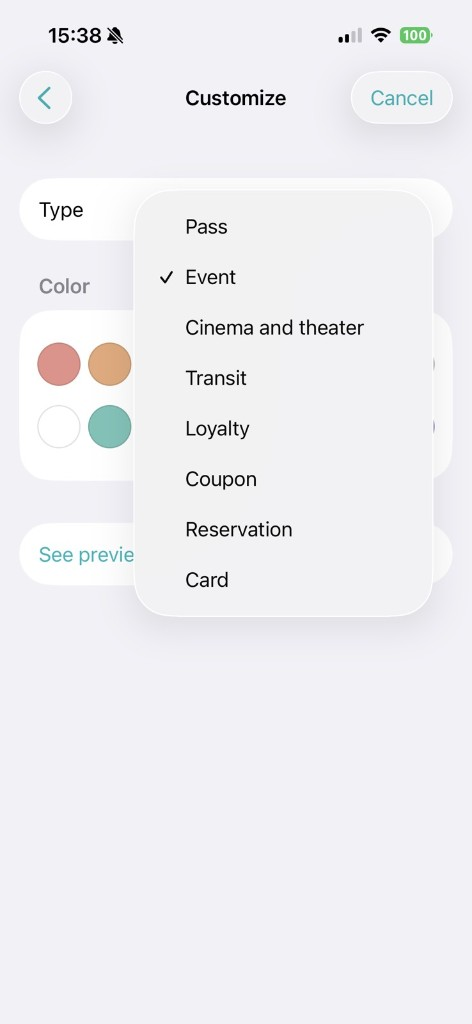
5. Color
Pick a color.
So you can tell it apart from the others.
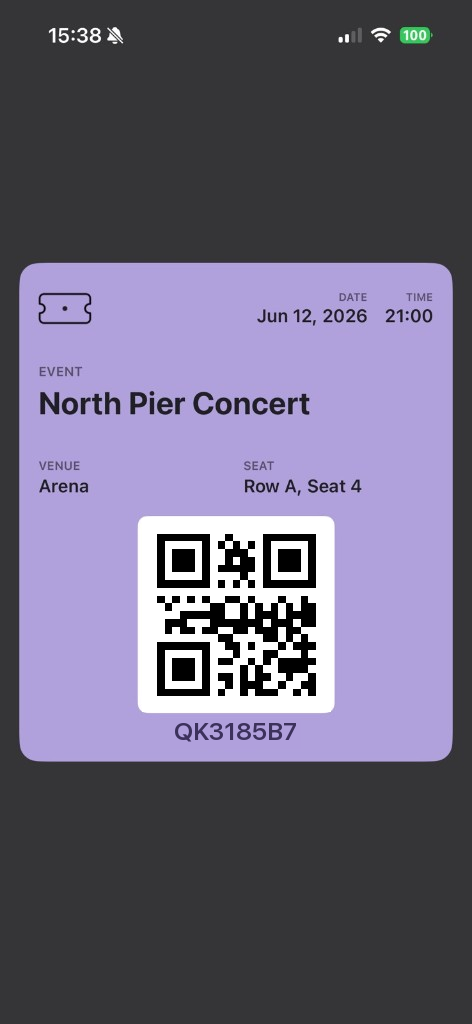
6. Preview
This is the pass.
This is how you will see it.
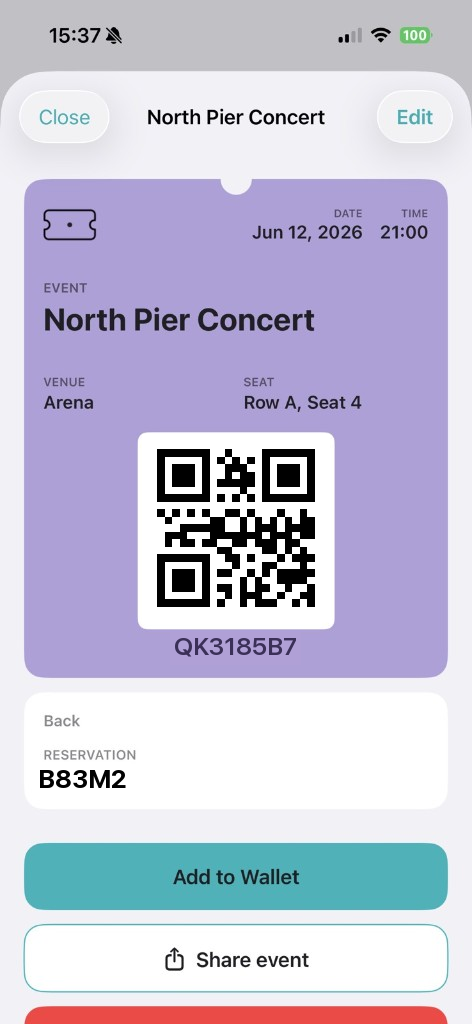
7. Wallet
Into Wallet, or send it.
Add it to Apple Wallet, share it, or leave it here.
One at a time is free.
One pass, from a photo or a PDF: you prepare it, add it to Wallet, and you do not pay. If you want to create several at once, you pay once.
- The front and the back of the same pass count as one.
- You pay only for several different passes, together. Once, on the App Store, with no subscription.
- If you change iPhone, use the same Apple Account, tap Restore purchase, and the unlock comes back.
Passet does not sell the pass, the ticket, the card or the coupon. It prepares a copy from what you photographed. The issuer decides whether to accept it.
App StoreComing soon on the App StoreDevBen does not receive them.
The photo, the PDF and the pass stay on the iPhone. If you buy the unlock, Apple handles the payment.
- You do not create an account.
Questions
What can I use?
A photo, a shot or a PDF of a pass, a ticket, a card or a coupon. Passet reads the text and prepares the pass. Before you use it, check the title, the date and the code.
Does the photo leave the phone?
No. It stays on the iPhone, with the pass. There is no account. If you share it, you send it yourself to whoever you want.
Does it count as the original?
No. It is a copy of the details that were read. Whoever issued the pass, ticket, card or coupon decides whether to accept it.
What do I pay for?
Nothing, for a single pass. Nothing to add it to Wallet or to share it. You pay once only if you create several passes together.
I changed iPhone. How do I restore the purchase?
With the same Apple Account, tap Restore purchase. Apple puts the unlock back.
Carry them with you.
Card, ticket, coupon.
App StoreComing soon on the App Store