
iPhone + Apple Watch
A pin. And you're back.
One tap on the wrist. One tap back.
 App StoreScan to download
TAP → SAVE → FIND
Mark
One tap on the wrist.
Walk
The place stays.
Back
One tap and PinO brings you back.
Faster than unlocking your phone and opening Maps.
Mapsunlock → open → press and hold → favorite → name.
PinOraise your wrist → tap.
Screenshots
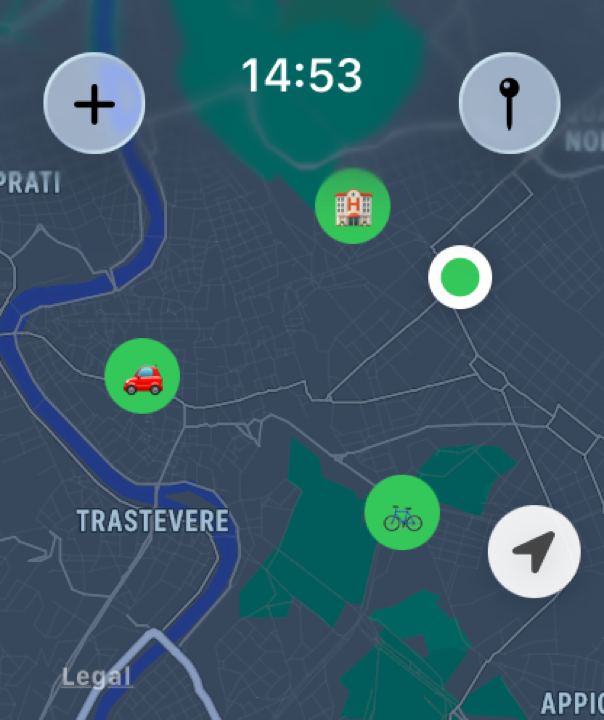
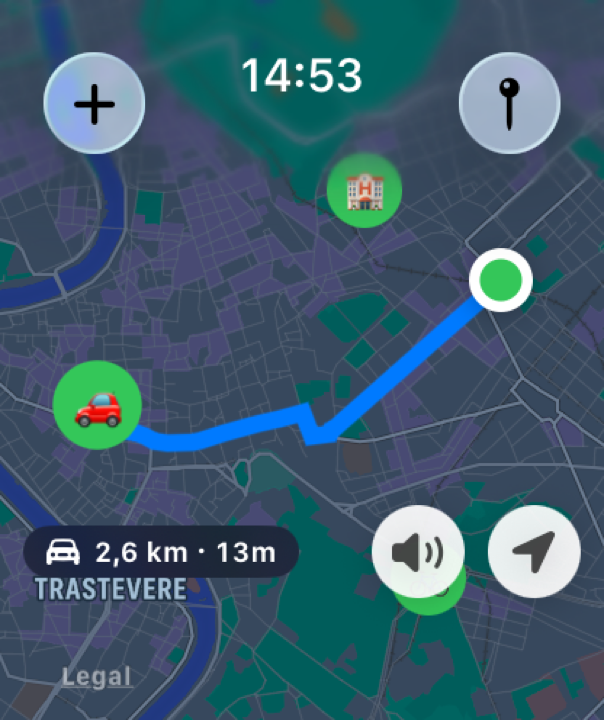
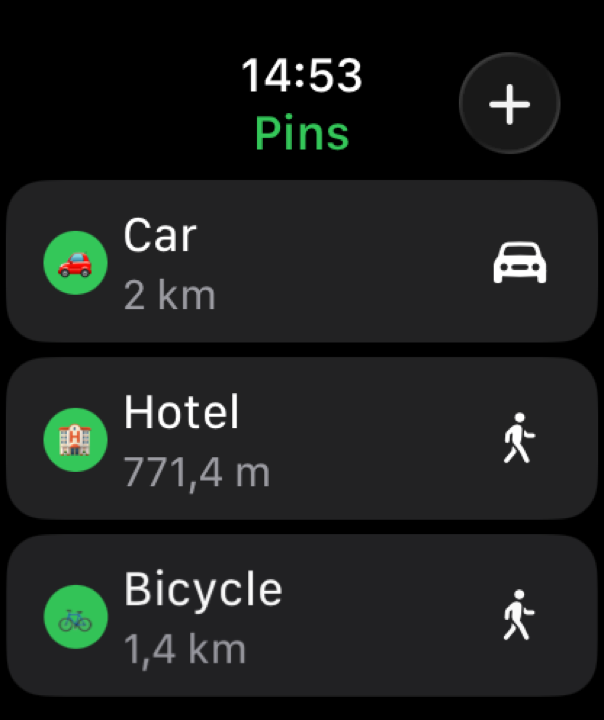
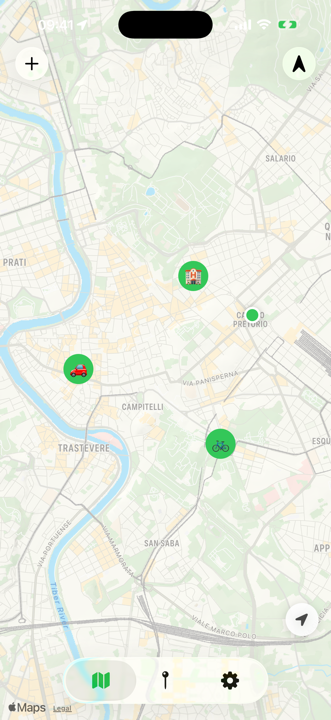
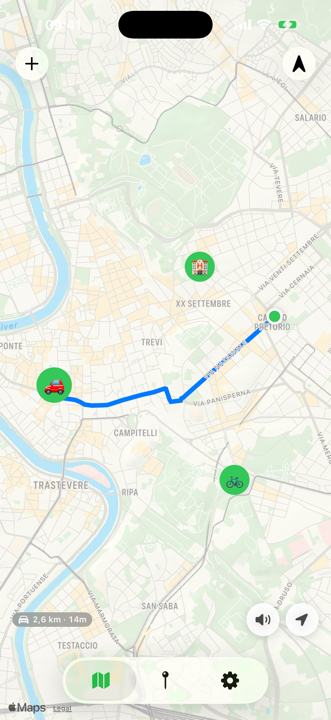
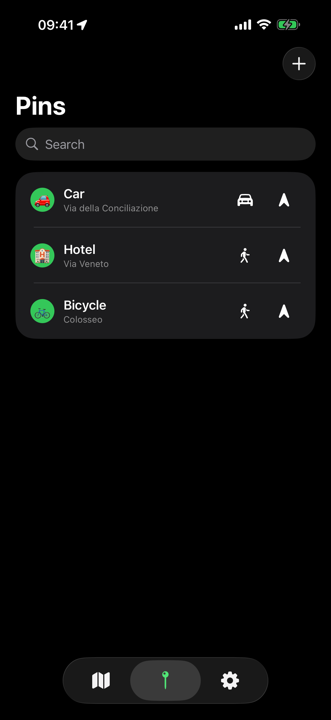
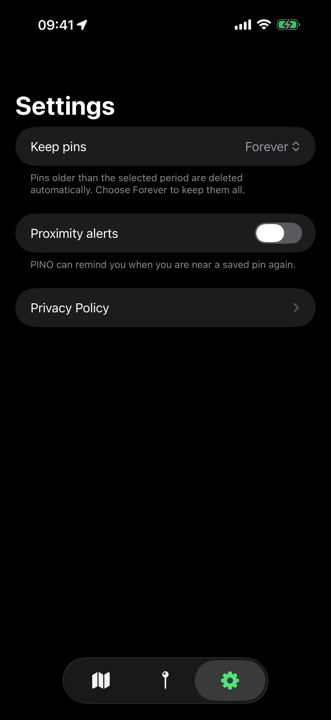
Your places, on your devices.
No account. No PinO server. No ads.
- Pins on the device. Watch via WatchConnectivity.
- Precise location to make the app work, not tied to your identity.
- Always only if you turn on proximity alerts.
- Delete the app, and the data on the device is gone.
FAQ
Do I need Apple Watch?
No. iPhone is enough. Watch is the fastest way.
Do I need internet?
No to save with GPS. Yes for addresses and routes.
Do pins go to a PinO cloud?
No. Device and Watch. iCloud only in a later update, if you turn it on.
Why Always location?
Only if you turn on proximity alerts. Find uses location while the app is open.
Is it a navigator?
No. It takes you back to the pin.
Subscription?
No.
Languages?
English, Italian, French, Spanish, German.
A pin. And you're back.
App StoreScan to download